

Kartik Sundar is the co-founder of Aploris GmbH, the company behind TeamSlide, a PowerPoint-native slide generation and presentation management solution. A former corporate strategy and management consultant, he brings firsthand insight into how high-stakes business presentations are developed and refined within consulting, sales, and executive teams. Today, TeamSlide supports some of the world’s most renowned consulting firms, helping them produce consulting-grade presentations with greater speed and consistency.
In this conversation, Kartik discusses slide generation options within TeamSlide.
Geetesh: What inspired the shift from TeamSlide’s original slide library/search product to building an AI-powered slide generator?
Kartik: We wouldn’t describe it as a shift. It’s an addition.
We started with a simple observation: consultants were wasting enormous amounts of time searching for the right slides, checking versions, and reformatting existing material. Our slide library and search capabilities solved the discovery and reuse problem.
Reusing approved assets is still the most efficient use of time. But often new slides need to be created. LLMs gave us an opportunity to generate new slides very efficiently.
The slide generator was built to extend our mission. The library helps you reuse what exists, generation helps you create what doesn’t, while still staying aligned with the way your organization communicates.

Geetesh: How does slide generation in TeamSlide differ from other AI slide tools in terms of quality, structure, and real-world usability inside PowerPoint?
Kartik: TeamSlide is built for the way consulting and advisory teams actually work in PowerPoint: structured, iterative, and brand-driven.
Dynamic slide structure (AI + deterministic logic)
We can intelligently modify the structure of slides to best tell your story. If you need to convey four key facts instead of three, we automatically extend your approved three-column layout to support four, maintaining alignment, spacing, and hierarchy.
We achieve this by combining AI with deterministic layout and geometry rules. The AI determines what should be said; our layout engine determines how it should be structured on the slide. The result is flexibility without breaking design standards.
Your layouts. Your voice. Not a generic theme.
TeamSlide works directly with your firm’s specific layouts and slide library. That means the output looks like it came from your firm (and not from an AI tool).
Text is guided to match advisory writing standards:
- Clear, action-oriented headlines
- “So-what” framing
- Consistent terminology
- Appropriate level of specificity and data density
Built for iteration inside PowerPoint
Advisory work is iterative. You generate a slide, review it with a partner, adjust the story, refine the language, swap a layout, and repeat.
TeamSlide supports that real-world workflow:
- Prompt-based editing to refine content or restructure the slide
- The ability to switch layouts while preserving the message
- Seamless manual edits directly in PowerPoint
- Integration with your existing slide library for reuse + generation in one system
We optimize for the generate → refine → align → present cycle that consulting teams live in.
In short, most AI slide tools optimize for a one-shot draft. TeamSlide optimizes for consulting teams, combining AI with deterministic structure, firm-specific layouts, and iterative editing inside PowerPoint, so slides are not just generated, but usable in high-stakes client work.
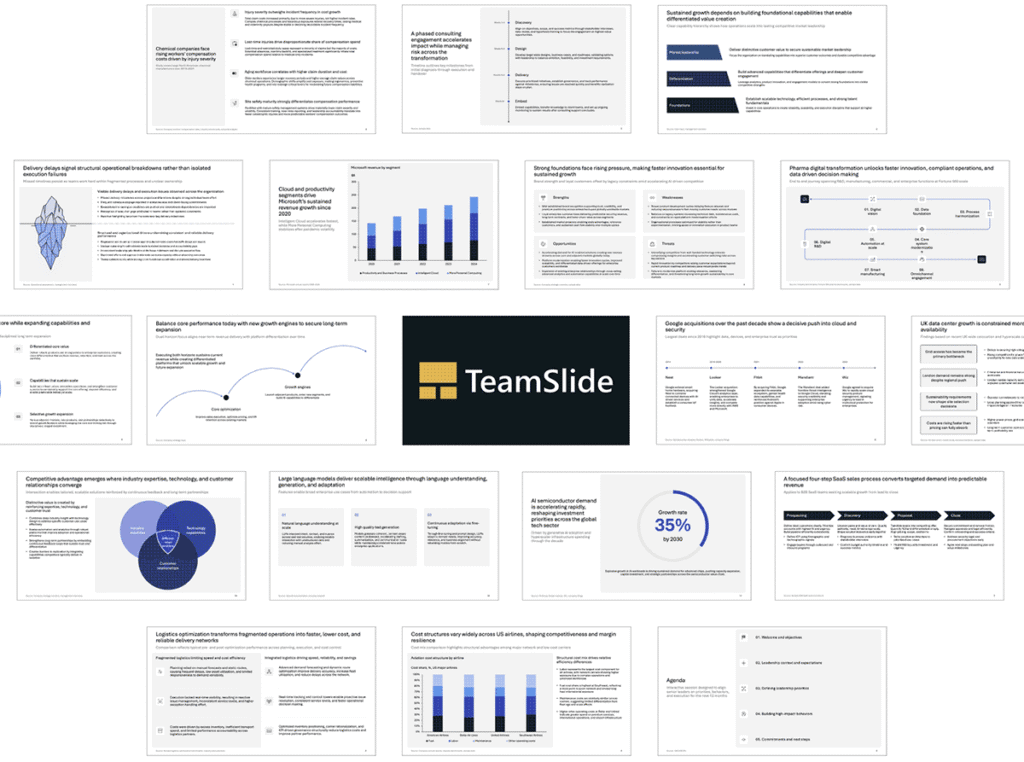
Geetesh: Can you walk us through the typical workflow you envision for a consultant using the slide generator?
Kartik: The workflow is designed to mirror how consultants already think and work in PowerPoint: structured, hypothesis-driven, and iterative.
1. Start with raw thinking
A consultant begins by pasting rough notes, research snippets, meeting takeaways, or early hypotheses.
These inputs are usually unstructured: fragments of arguments, data points, key facts, or partial storylines.
2. Generate a structured first draft
From there, TeamSlide interprets the intent and organizes the material into a coherent slide. It:
- Selects an appropriate firm-approved layout
- Restructures the slide as needed (adding steps, columns, rows, or sections)
- Rewrites content into consulting-style language with clear, action-oriented headlines
This is where AI and deterministic layout logic work together, ensuring the output is both well-written and structurally sound.
But generation is just the beginning.
3. Iterate like you would with a team
Consulting work is inherently iterative. You rarely get it perfect in one pass.
After the initial slide is created, users can:
- Tighten or sharpen the headline
- Reframe the message for a different audience
- Increase specificity or add data
- Change the hierarchy
- Modify structure (e.g., expand a 3-column table to 4, simplify a process from 6 steps to 4)
Think of it as collaborating with an assistant that understands both storytelling principles and formatting constraints inside PowerPoint.
Geetesh: How does someone access the AI-powered slide generator? Is there a trial?
Kartik: Individual users can get free access here.
For firms that want to use their own layouts and their specific voice, please reach out via this link. We offer a proof-of-concept for free. Pricing depends on the number of layouts and the number of users.
The views and opinions expressed in this blog post or content are those of the authors or the interviewees and do not necessarily reflect the official policy or position of any other agency, organization, employer, or company.
Related Posts
 Kartik Sundar is focused on helping PowerPoint users improve their productivity. As a former corporate strategy and management...
 Kartik Sundar is focused on helping consultants improve their productivity. As a former management and corporate strategy consultant, Kartik has first...
 Akash Choudhary is a Senior Product Marketing Manager at think-cell, the presentation software trusted by over a million profe...
 Ramgopal M. S. is the founder of Presentation Process and author of Clear Slides. Over the past 20 years, he has helped millio...