
This is the print version of this page. All content is copyright Indezine.com 2000-2026.
Thoughts and impressions of happenings in the world of PowerPoint and presentations, continuously updated since 2003.
See Also:
PowerPoint and Presenting Notes
PowerPoint and Presenting Glossary

Dr. Jonathan Schwabish is an economist, writer, teacher, and creator of policy-relevant data visualizations. He is considered a leading voice for clarity and accessibility in how researchers communicate their findings. His book Better Presentations: A Guide for Scholars, Researchers, and Wonks helps people improve the way they prepare, design, and deliver data-rich content and his edited book, Elevated the Debate: A Multilayered Approach to Communicating Your Research, helps people develop a strategic plan to communicating their work across multiple platforms and channels.
In this conversation, Jonathan talks about his newest book, Better Data Visualizations: A Guide for Scholars, Researchers, and Wonks which details essential strategies to create more effective data visualizations.
Filed Under:
Interviews
Tagged as: Books, Data, Interviews, Jon Schwabish
Comments Off on Better Data Visualizations: Conversation with Jonathan Schwabish
After inserting an audio file such as a music file within your PowerPoint presentation, do you want to play music that loops continuously in your presentation, without any interruption as you move from one slide to another? You must ensure that the music clip you are using is suitable for this purpose. A soft music clip that spans across your slides can make the flow between slides smooth, as long as the sound is not jarring or distracting for your audience.

Loop an audio clip to play across slides in PowerPoint 365 for Windows.
Filed Under:
PowerPoint 365
Tagged as: Audio, Microsoft Windows, Multimedia, Office 365, PowerPoint 365, Sound, Tutorials
Comments Off on Sound Across Slides in PowerPoint 365 for Windows
After inserting an audio file such as a music file within your PowerPoint presentation, do you want to play music that loops continuously in your presentation, without any interruption as you move from one slide to another? You must ensure that the music clip you are using is suitable for this purpose. A soft music clip that spans across your slides can make the flow between slides smooth, as long as the sound is not jarring or distracting for your audience.

Loop an audio clip to play across slides in PowerPoint 365 for Mac.
Filed Under:
PowerPoint 365
Tagged as: Audio, Mac, Multimedia, Office 365, Office for Mac, PowerPoint 365, PowerPoint for Mac, Sound, Tutorials
Comments Off on Sound Across Slides in PowerPoint 365 for Mac
If you are using an online meeting service, you may not realize that these meetings are not always straightforward and stress-free for people living with neurodiversities and disabilities. Kellie McCord from Toastmasters International explains more. We also bring you a special offer for the upcoming CreativePro Week and Click conference.
PowerPoint 2016 for Mac users can learn how to play music across slides. We also bring you quotes, press releases, and templates from the last few days.

Stay informed about updated tutorials and happenings related to PowerPoint and presenting.
Filed Under:
Ezine
Tagged as: Ezine, Indezine, News, PowerPoint
Comments Off on PowerPoint and Presenting News: April 27, 2021
After inserting an audio file such as a music file within your PowerPoint presentation, do you want to play music that loops continuously in your presentation, without any interruption as you move from one slide to another? You must ensure that the music clip you are using is suitable for this purpose. A soft music clip that spans across your slides can make the flow between slides smooth, as long as the sound is not jarring or distracting for your audience.
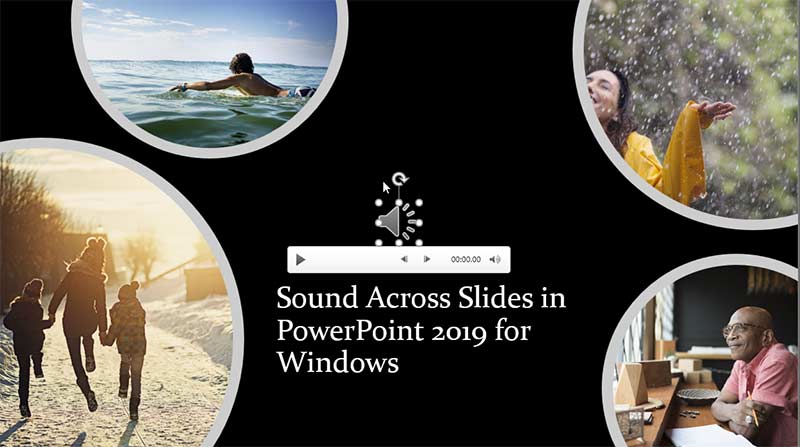
Loop an audio clip to play across slides in PowerPoint 2019 for Windows.
Filed Under:
PowerPoint 2019
Tagged as: Audio, Microsoft Windows, Multimedia, Office 2019, PowerPoint 2019, Sound, Tutorials
Comments Off on Sound Across Slides in PowerPoint 2019 for Windows
Microsoft and the Office logo are trademarks or registered trademarks of Microsoft Corporation in the United States and/or other countries.