
This is the print version of this page. All content is copyright Indezine.com 2000-2026.
Thoughts and impressions of happenings in the world of PowerPoint and presentations, continuously updated since 2003.
See Also:
PowerPoint and Presenting Notes
PowerPoint and Presenting Glossary
When PowerPoint 365 for Windows is launched, you see Backstage view. Notice the bright orange section on the left side of this view. Yes, you can change the bright orange to something else and end up with a different-looking PowerPoint program interface. We show you how to change the interface color in this tutorial.

Learn about changing the interface color in PowerPoint 365 for Windows.
Filed Under:
PowerPoint 365
Tagged as: Color, Interface, Microsoft Windows, Office 365, PowerPoint 365, Tutorials
Comments Off on Changing Interface Color in PowerPoint 365 for Windows
Here’s the most comprehensive list of PowerPoint 2019 keyboard shortcuts that we know about. How many of these do you presently use? If you discover a shortcut key not listed here, please get in touch with us through our feedback form.

Explore keyboard shortcuts in PowerPoint 2019 for Windows.
Filed Under:
PowerPoint 2019
Tagged as: Keyboard Shortcuts, Microsoft Windows, Office 2019, PowerPoint 2019, Tutorials
Comments Off on Keyboard Shortcuts for PowerPoint 2019 for Windows
We bring you Countdown timers for PowerPoint. We also feature Carmine Gallo, who talks about his book, Talk Like TED.
PowerPoint 2019 for Windows, and PowerPoint 365 users on both Windows and Mac can learn about Live Preview–yes, we know there is no Live Preview on the Mac version of PowerPoint yet. PowerPoint 365 for Windows users can explore the Quick Access Toolbar. Plus, make sure you do not miss the quotes, press releases, and templates featured in the last week.
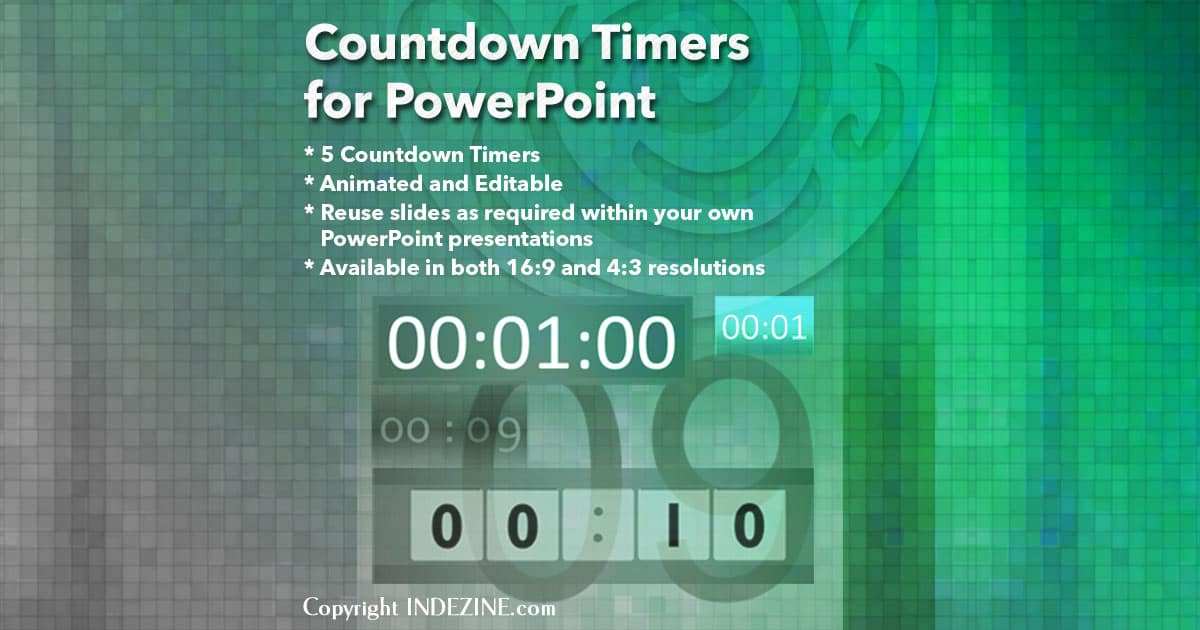
Stay informed about updated tutorials and happenings related to PowerPoint and presenting.
Filed Under:
Ezine
Tagged as: Ezine, Indezine, News, PowerPoint
Comments Off on PowerPoint and Presenting News: October 15, 2019
When PowerPoint 2019 for Windows is launched, you see the Backstage view. Notice the bright orange section on the left side of the Backstage view. Yes, you can change the bright orange to something else and end up with a different-looking PowerPoint program interface. We show you how to change the interface color in this tutorial.
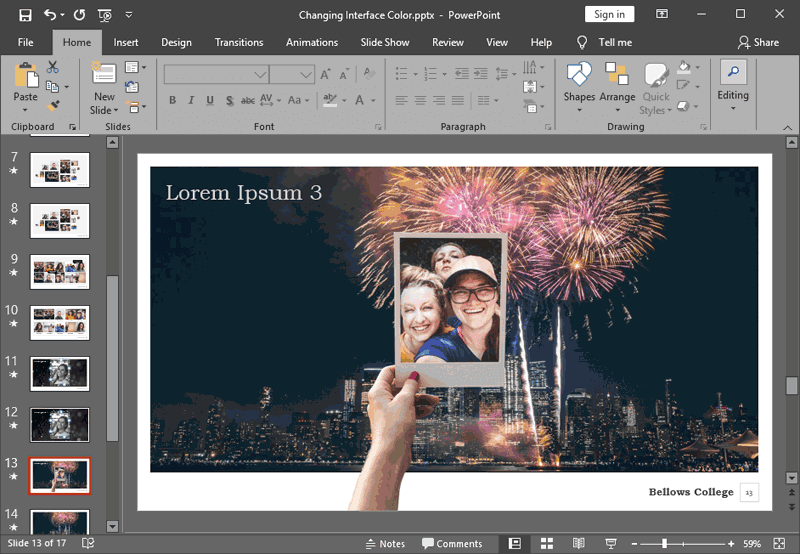
Learn about changing the interface color in PowerPoint 2019 for Windows.
Filed Under:
PowerPoint 2019
Tagged as: Color, Interface, Microsoft Windows, Office 2019, PowerPoint 2019, Tutorials
Comments Off on Changing Interface Color in PowerPoint 2019 for Windows
Editing any slide object works the same way, irrespective of whether you are editing a picture, a chart, some SmartArt, or even text. You select the object you want to edit and change some attributes. You then get to see your changes, and then you either undo your changes if you are not too happy with them or just accept them. You can then start working with another object! What if you could see/preview how an actual change will look on the slide object before you decide to accept or decline that change? PowerPoint 365’s Live Preview allows you to do just that.

Learn about Live Preview in PowerPoint 365 for Windows.
Filed Under:
PowerPoint 365
Tagged as: Interface, Live Preview, Microsoft Windows, Office 365, PowerPoint 365, Tutorials
Comments Off on Live Preview in PowerPoint 365 for Windows
Microsoft and the Office logo are trademarks or registered trademarks of Microsoft Corporation in the United States and/or other countries.