
This is the print version of this page. All content is copyright Indezine.com 2000-2026.
Thoughts and impressions of happenings in the world of PowerPoint and presentations, continuously updated since 2003.
See Also:
PowerPoint and Presenting Notes
PowerPoint and Presenting Glossary
By Kurt Dupont
Recently, we released a new service: Numberish. It is a social and online database where you can quickly create cards to store lists, numbers, to-do-lists and so on. You can create them for yourself, and you can share them with your friends. We call it Twitter for numbers.
Numberish was initially launched with these Numberish cards:
Filed Under:
Guest Posts
Tagged as: Guest Post, Kurt Dupont, Numberish, PresentationPoint
Comments Off on PowerPoint Content Management System

Sheila McGurin plans and manages the many seminars and conferences hosted by Rick Altman. Since 2003, Sheila has been the one behind the scenes making sure Presentation Summit attendees have the very best conference experience. From city and venue selection to Expo partner coordination to on-site liaison, Sheila makes sure the business of the Summit exceeds expectations and continues to evolve.
Sheila is an East Coast transplant, having earned a Bachelor’s degree in Mathematics and Computer Science from the University of Massachusetts and then moving to California to pursue an IT career. She retired from the tech world in 2001 to raise a family and now enjoys a saner work-life balance.
In this conversation, Sheila talks about the upcoming Presentation Summit 2022, being held on location in San Diego, CA, and virtually this year from October 9 to 12, 2022.
Filed Under:
Events
Tagged as: Events, Interviews, Presentation Summit, Sheila McGurin
Comments Off on Presentation Summit 2022: Conversation with Sheila McGurin
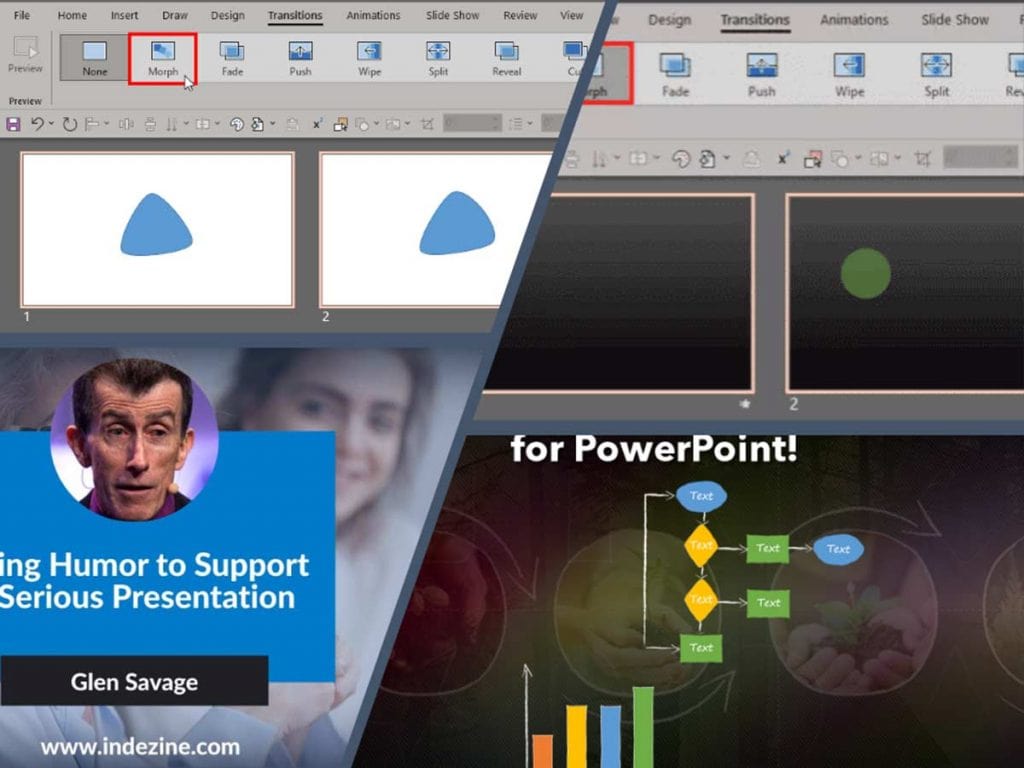
We first feature Glen Savage of Toastmasters International, who explores using humor to support a serious presentation. We also bring back some tutorials from our Morph transition series, including video tutorials. These are for using the Morph transition with Curve shapes in PowerPoint and using exclamation-named objects.
We also bring you quotes, press releases, and templates from the last few days.
Stay informed about updated tutorials and happenings related to PowerPoint and presenting.
Filed Under:
Ezine
Tagged as: Ezine, Indezine, News, PowerPoint
Comments Off on PowerPoint and Presenting News: August 16, 2022
By Glen Savage, Toastmasters International
I recently suggested to a leader I was coaching that he adds some humor to his presentation. He proclaimed with some indignation, But I’m a serious speaker.
Over the years, I have listened to many ‘serious’ speakers who, frankly, offer an excellent antidote to insomnia. The drier the content of a presentation, the harder it can be for the audience to stay attentive. My inevitable response to my coaching client was, ‘Do you want to be a serious speaker or a speaker who is taken seriously?’

Image: 123RF
Filed Under:
Guest Posts
Tagged as: Guest Post, Humor, Toastmasters
Comments Off on Using Humor to Support a Serious Presentation
We first look at various ways to insert a check mark in PowerPoint versions for Windows. We also review the new DemoCreator 6 product from Wondershare.
We feature Ingrid Mengdehl from the upcoming Presentation Summit 2022. We also bring you quotes, press releases, and templates from the last few days.

Stay informed about updated tutorials and happenings related to PowerPoint and presenting.
Filed Under:
Ezine
Tagged as: Ezine, Indezine, News, PowerPoint
Comments Off on PowerPoint and Presenting News: August 2, 2022
Microsoft and the Office logo are trademarks or registered trademarks of Microsoft Corporation in the United States and/or other countries.