
 (No Ratings Yet)
 Loading...
Typically, there are three common ways in which you can create slides in PowerPoint. The first of these three ways is to create an outline, but all these three ways can be combined with each other. Having said so, it is best to start by creating an outline for your presentation in another program. Mac users can create outlines in TextEdit. You can also use Microsoft Word. In this tutorial, we’ll show how you can use Word 365 for Mac to create an outline for a PowerPoint presentation.
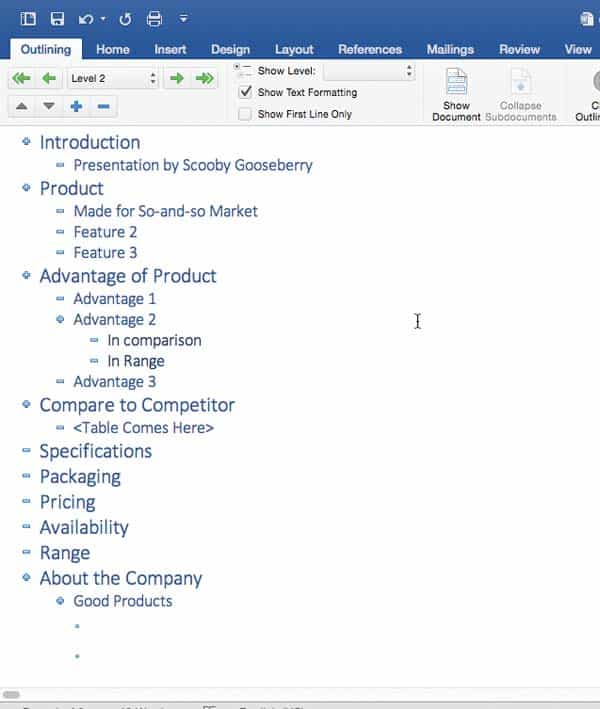
Learn how to create outlines for presentations in Microsoft Word 365 for Mac.
Related Posts
 Before exploring the concept of differences between text placeholders and text boxes, let us start with these thoughts: Aren't text boxes and text pla...
 When launched, PowerPoint 365 for Mac typically opens the Backstage view that contains the Presentation Gallery. The Presentation Gallery provides dif...
 When launched, PowerPoint 365 for Mac opens the Presentation Gallery. The Presentation Gallery provides several ways to start your next presentation u...
 If your presentation has many slides, it will be easy to identify the current slide in Slide Show view, as long as you have enabled slide numbers on y...