
 (No Ratings Yet)
 Loading...
Do you have a presentation that contains text that needs to be spell-checked in more than one language? Or do you and your client or colleague work with different localized versions of Microsoft PowerPoint? It may be that you use English (US) and color is a perfectly valid spelling, but someone else in another part of the world uses English (UK) and their spell checker suggests that the word color be changed to colour. Or if they use the French version of PowerPoint, then both spellings of color/colour would be flagged as incorrect. They use the term couleur. You first need to have proofing tools installed for all or any of the languages that you need to work within PowerPoint.
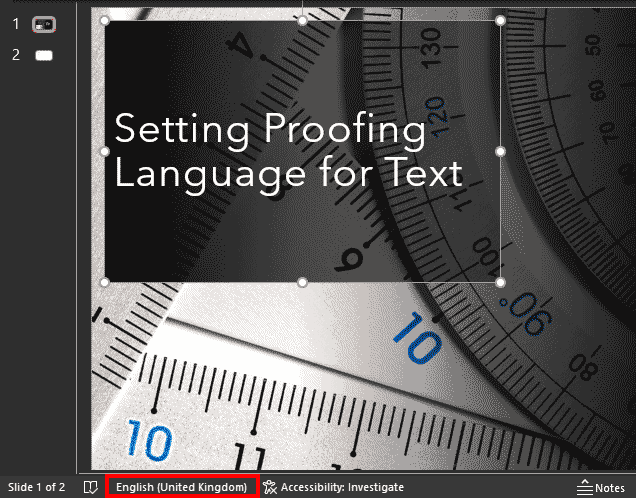
Learn how to set proofing language for selected text containers in PowerPoint 365 for Windows.
Related Posts
 While it is easy to change the proofing language for selected text containers, doing so one text container at a time can be a great time-waster, espec...
 When you select any text container such as a text placeholder, shape, or text box in PowerPoint, then you may (or may not) see the language specified ...
 PowerPoint includes proofing tools (spelling dictionaries, thesauri, and grammar rules) for more than one language. For example, if you use English as...
 Any custom spelling dictionary that you create within PowerPoint or any other Microsoft Office program is used by all the Office applications installe...