
This is the print version of this page. All content is copyright Indezine.com 2000-2026.
Thoughts and impressions of happenings in the world of PowerPoint and presentations, continuously updated since 2003.
See Also:
PowerPoint and Presenting Notes
PowerPoint and Presenting Glossary

Doug Thomas used to review movies and rent you–or your parents–VHS tapes. After working a few months at Microsoft, he had an idea to get other people to create videos about Office. That idea turned into a new job of creating videos and training content for Office Support including the Office 15-Minute Webinars and his current series, Doug from Office. However, none of his videos are on VHS.
In this conversation, Doug talks about his session at the upcoming Presentation Summit 2017 in Clearwater Beach, FL.
Filed Under:
Events
Tagged as: Doug Thomas, Events, Interviews, PowerPoint, Presentation Summit, Sessions
Comments Off on Presentation Summit 2017: Conversation with Doug Thomas
In 1788, Richard Austin created Bell, a serif typeface for the British Letter Foundry. Since then, this typeface went through an amazing journey. The typeface faded after its initial popularity with newspaper and magazine printers. Bell did find more favor in the United States during the 19th and the 20th centuries, and it was revived in 1931 by Monotype Corporation. Bell MT became a popular typeface, right up there along with Baskerville and Bodoni. Bell MT also made the transition from analog to digital. It gained popularity and wide acceptance when Microsoft bundled Bell MT as part of its Microsoft Office installations.

We look at Bell MT, a serif font family created in 1788.
Filed Under:
Fonts
Tagged as: Fonts, PowerPoint, Safe Fonts, Tutorials
Comments Off on Explore Fonts: Bell MT
You have a 5-minute video or audio clip playing on your slide. And exactly after the clip has played for 30 seconds, you want some text to appear superimposed over the video clip. Alternatively, you may want to show other objects on the slide while your audio clip is playing. All this while, the original audio or video clip should continue playing. How do you achieve this result?

Animate any object in PowerPoint 2016 while a media clip on the same slide is still playing.
Filed Under:
PowerPoint 2016
Tagged as: Animation, Audio, Microsoft Windows, Office 2016, PowerPoint 2016, Sounds, Video
Comments Off on Animating Slide Objects While Media is Playing in PowerPoint 2016 for Windows

Julie Terberg is an internationally recognized presentation expert. She is the owner of Terberg Design, a Microsoft PowerPoint MVP, and a director of the Presentation Guild. Julie enjoys sharing knowledge and ideas with the presentation community and presents a monthly webinar, “Inspired by Design,” exclusively for Presentation Guild members. She is passionate about designing visuals that help presenters better communicate with their audiences.
In this conversation, Julie talks about her sessions at the upcoming Presentation Summit 2017 in Clearwater Beach, FL.
Filed Under:
Events
Tagged as: Events, Interviews, Julie Terberg, PowerPoint, Presentation Summit
Comments Off on Presentation Summit 2017: Conversation with Julie Terberg
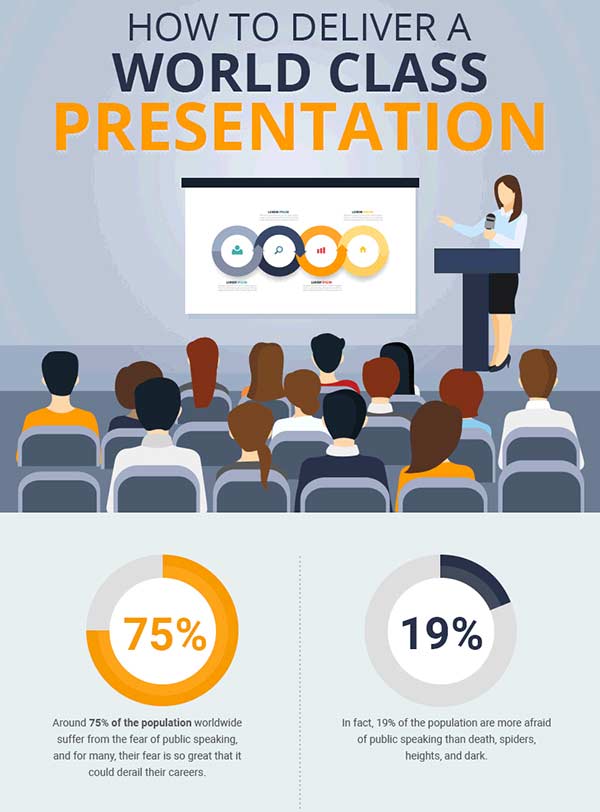
Business presentations are infamous for being incredibly boring and I am sure that you must know a few boring presenters personally. You might be skeptical about it but a business presentation can be made interesting with the use of audio-visuals, graphics and let’s not forget you, and your awesome personal style.
Filed Under:
Guest Posts
Tagged as: Guest Post, Presentation Skills
Comments Off on Tips to Improve Yourself at the Art of Delivering Presentations
Microsoft and the Office logo are trademarks or registered trademarks of Microsoft Corporation in the United States and/or other countries.